


In today’s crowded digital landscape, standing out with eye-catching visuals is more important than ever. Whether you’re running ads on Instagram, Facebook, or TikTok, the right imagery can make your product unforgettable. That’s where AI product photo tools come in—offering creative, customizable, and high-quality visuals without the need for a professional photoshoot.
These tools help brands experiment with bold concepts, unique styles, and dynamic designs that grab attention instantly. In this article, we’ll explore five creative AI product photo ideas designed to boost engagement, spark shares, and help your ads go viral across social media and beyond.
How to use AI product photos for viral advertising: 5 proven ideas
Want your ads to stand out and get shared? Using AI product photos can help you create bold, professional visuals that grab attention instantly. Here are five proven ideas to make your advertising campaigns go viral with the help of AI.
- Use bold, scroll-stopping backgrounds
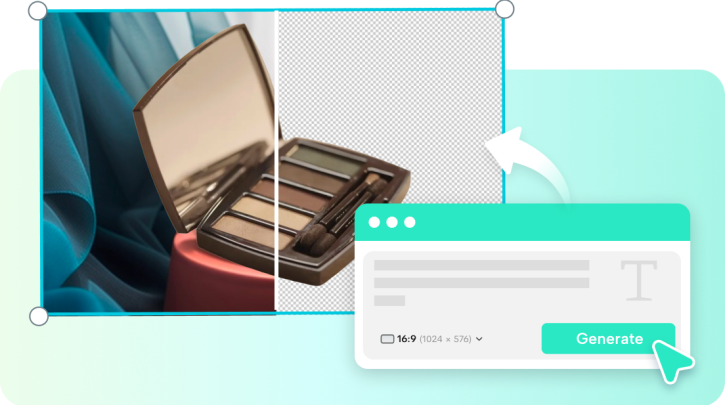
One of the easiest ways to grab attention is by using bold, unique AI-generated backgrounds. Whether it’s a surreal cityscape or a splash of vibrant colors, these creative visuals help your product stand out in busy social feeds. They break the monotony of plain product shots and drive curiosity. This tactic works especially well for eCommerce ads where visuals must sell instantly. Pairing these images with a product video maker can amplify their impact and boost engagement even further.
- Create seasonal or trend-based themes
Tap into viral trends, holidays, or seasonal events to make your AI product photos instantly relatable. With AI, you can easily generate relevant backgrounds or themes—like cozy winter scenes or summer beach vibes—without needing a reshoot. Trend-driven content feels timely and increases your chance of going viral. When users see content that connects to what’s happening now, they’re more likely to share it. This strategy also boosts your brand’s visibility and relevance across different digital platforms.
- Incorporate dynamic text overlays
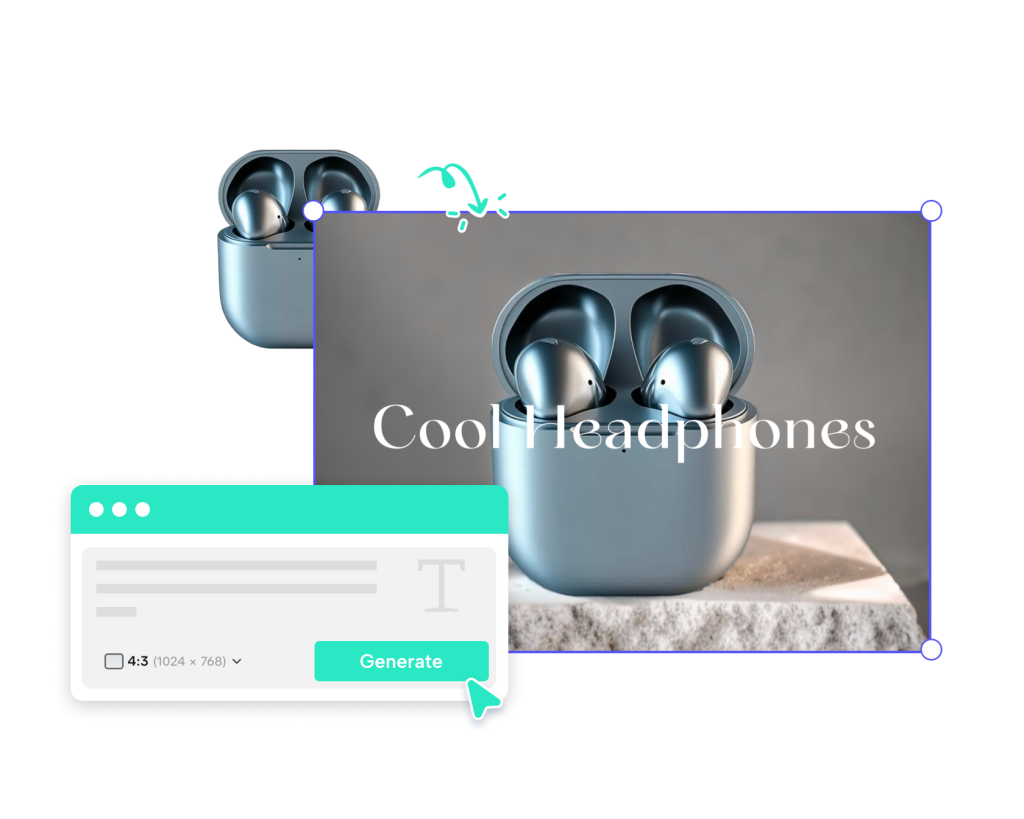
Text overlays add extra context and urgency to your product images. Use AI to design branded visuals with bold discount tags, product features, or short calls-to-action. These elements help catch the viewer’s eye, especially on mobile where attention spans are short. With consistent fonts, colors, and messaging, your brand looks more professional and cohesive. Text overlays are particularly effective for limited-time offers or product highlights, turning a good image into a scroll-stopping ad in seconds.
- Show before-and-after visual transformations
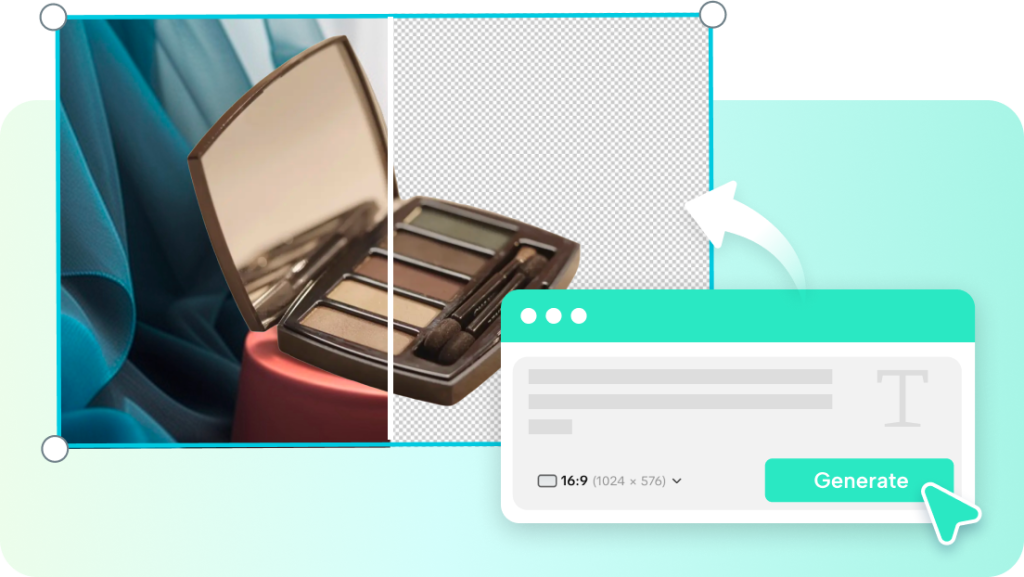
People love visual proof—and before-and-after images are a powerful way to show real product results. Use AI to enhance lighting, contrast, and clarity to highlight transformation stories, whether it’s skincare, cleaning products, or home decor. These visuals grab attention and instantly communicate value. For added impact, combine your transformation photos with voice narration using AI voice cloning free tools to explain the results. This pairing of visuals and audio creates more trust and drives higher engagement in video formats.
- Leverage user-generated style with AI enhancements
User-generated content feels authentic, but it often lacks polish. With AI, you can enhance customer-submitted photos—improving clarity, adjusting colors, and replacing backgrounds—while keeping the real, relatable vibe. This hybrid approach builds trust while maintaining quality. It also encourages more customers to share their content, knowing it will be showcased well. AI editing helps scale this strategy, allowing you to turn ordinary user photos into branded assets that feel both personal and professional—ideal for viral marketing efforts.
Step-by-Step Guide to Editing Product Images with Pippit AI
Editing product photos doesn’t have to be complex or time-consuming. With Pippit AI, you can enhance your images in just a few clicks—no design skills needed.
Step 1: Upload your images
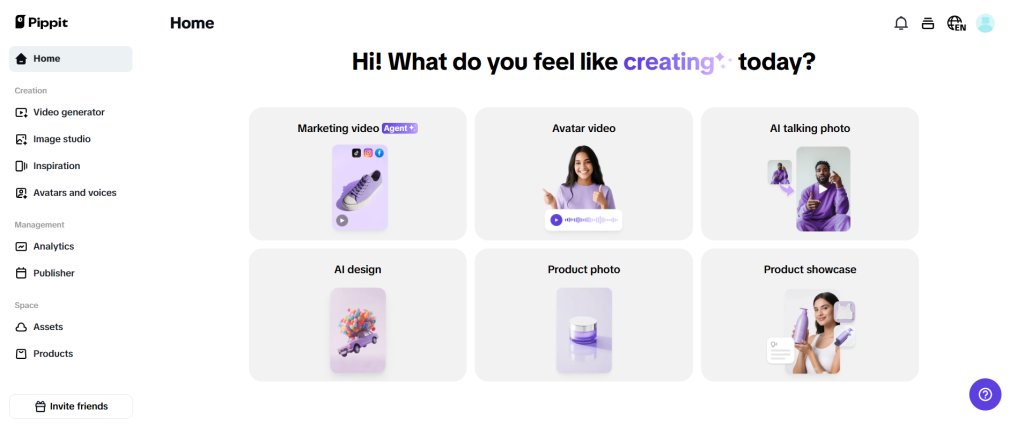
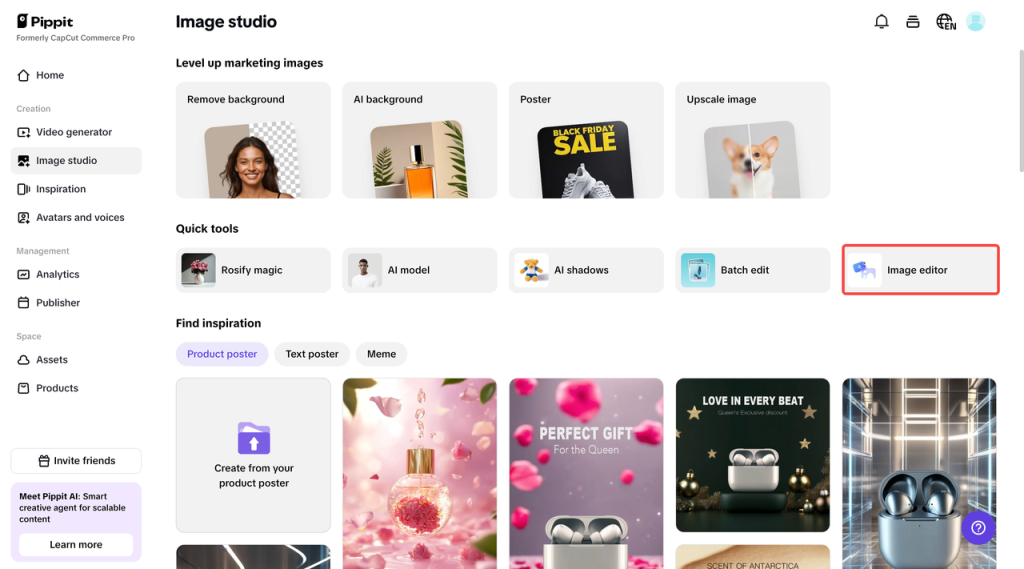
Log in to Pippit to experience photo editor tool. On the left-hand panel, select “Image studio” and then click on the “Image editor” option. In the interface, click the “Upload” button to add your product photos. You can upload multiple images at once for efficient editing.
Step 2: Edit your images
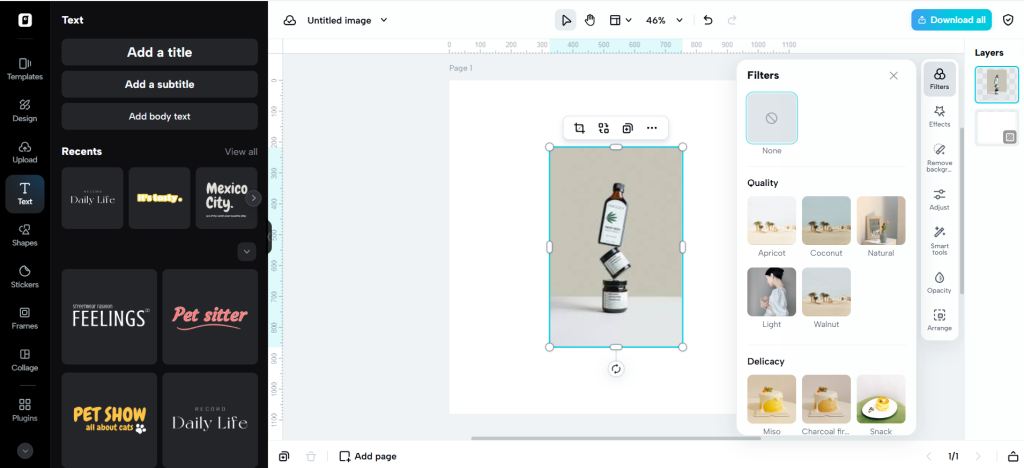
Use the advanced editing tools to enhance your product images. Add filters, apply effects, remove backgrounds, and reposition the elements of your image for a polished look. Utilize smart tools for precise adjustments, such as AI-powered background removal or color correction to make your images stand out.
Step 3: Export your images
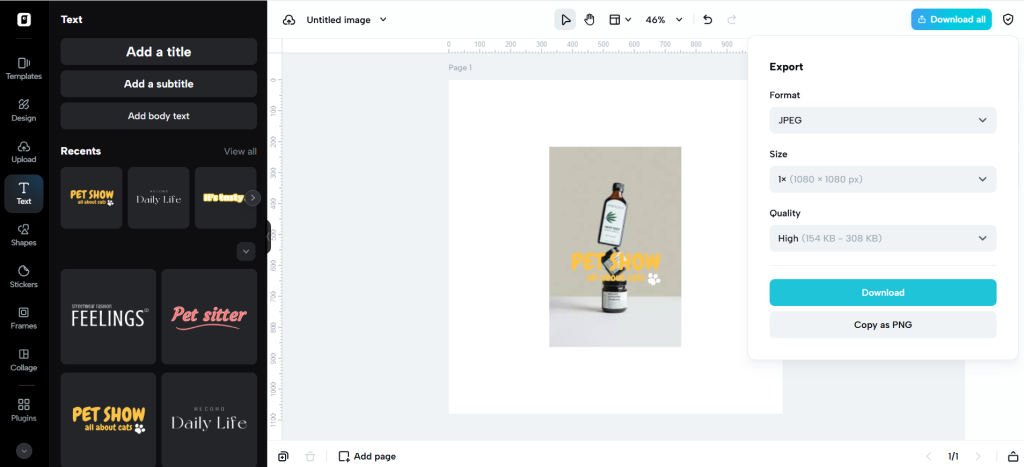
Once your image edits are complete, click “Download”. Choose the preferred file format (JPEG or PNG), select the image size (1x or 2x), and opt for a transparent background if needed. You can also compress the file to optimize it for web use. Finally, download the image for use in your online store or promotional material.
Conclusion
With Pippit AI, editing professional product images is simpler, faster, and more accessible than ever. Whether you’re creating scroll-stopping visuals for ads, updating your online store, or building brand consistency, Pippit’s powerful AI tools give you everything you need—no design experience required.
Also Read: How To Balance Electric Bike Pedal Power And Motor Assistance Effectively
From background removal to smart filters and batch editing, you can create high-quality, customized images in just minutes. Plus, when paired with engaging content like product videos or AI-enhanced voiceovers, your visuals can truly elevate your marketing game. Start using Pippit AI today to save time, boost quality, and make your product photos stand out online.