

No AI video tool is built to do everything well. The teams that get the most consistent results from generative video are the ones who’ve taken the time to understand where a specific tool excels, where it reliably falls short, and what that means for their content mix. Pika AI has attracted a significant following among creators and marketers — understanding where it genuinely delivers, and where other tools pick up the slack, is a more useful exercise than chasing a single-tool solution.
Where Pika AI Fits in Short-Form Video Creation
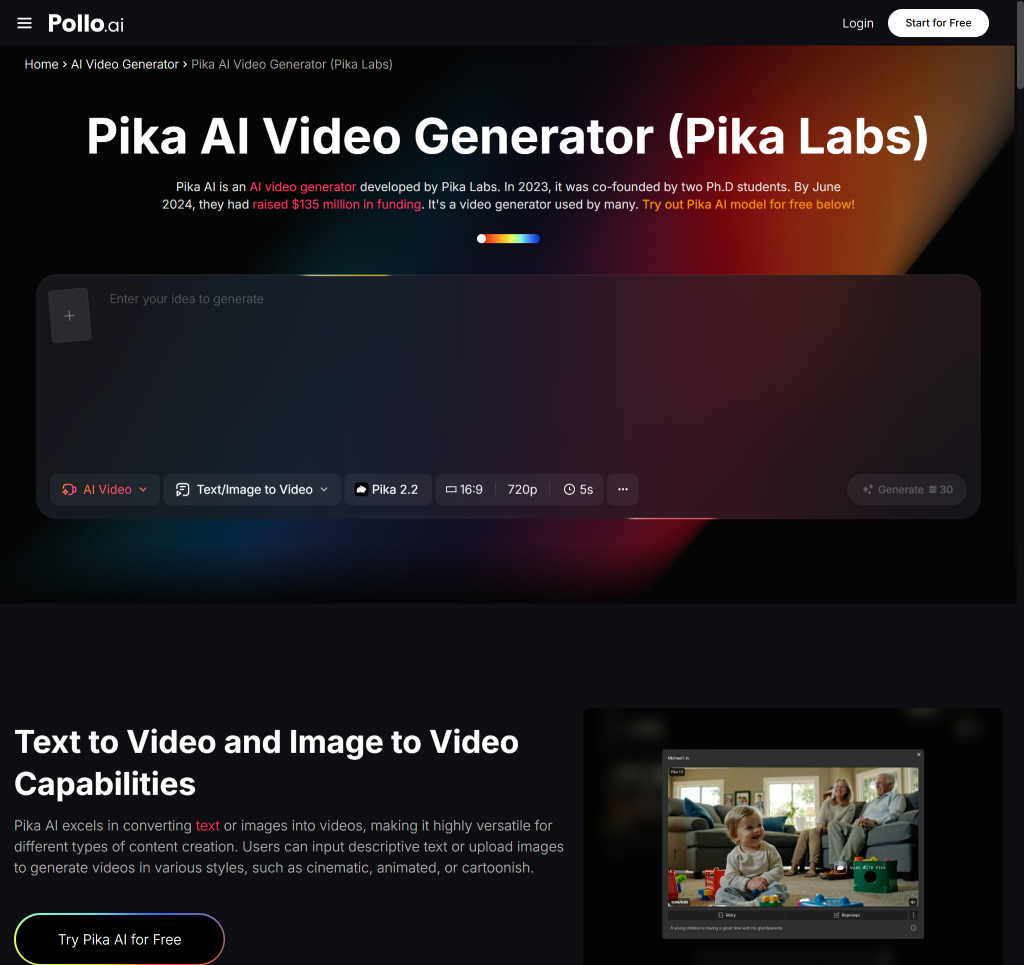
Pika AI has built its reputation around fast, visually striking generation from text and image inputs. Pollo AI similarly operates across multiple AI video generation modes, and both platforms appeal to creators who need concept clips and visual experiments done quickly. For creative tasks — visualising a campaign concept, generating a social teaser, animating a product image — Pika-style generation tools offer a fast path from idea to draft clip.
What makes this category genuinely useful for marketing and social content is the speed of visual iteration. A creative director can test four different aesthetic directions in the time it would previously have taken to brief a video editor on one. The outputs may need downstream editing — colour grading, caption overlay, format cropping — but the core visual concept is rendered in minutes, not days.
The limits of using a single generator for every video need tend to appear when the content requirements change. Cinematic concept clips and AI avatar explainers are fundamentally different content types, and they tend to need different tool capabilities. Pika-style generation is well-suited to the former; it’s less naturally suited to the latter.
Also Read: 5 Ways to Grow your YouTube channel Faster
For creators who need narrated explainers, multilingual voiceovers, on-screen avatars, or branded character consistency across a series, a pure generation tool — however capable — may need to be paired with something that provides more structural control.
The Decision Criteria That Matter Most
Before choosing any AI video tool for a sustained workflow, there are a few questions worth working through honestly.
Creative control versus production predictability. Generative AI tools offer creative possibilities that scripted, template-based tools can’t match. But they also introduce variance. If your content output needs to be visually consistent from one week to the next — same colour palette, same text placement, same pacing — a more structured tool will often serve you better. If creative range is the priority, generation-first tools are the right fit.
Localization and narration requirements. For teams producing content in multiple languages or for audiences with specific accessibility needs, the ability to generate accurate subtitles, realistic voiceovers, and lip-synced avatar speech becomes a real capability requirement, not a nice-to-have. Not all generation tools handle these features at the same level.
Cost and production frequency. Most advanced AI video tools operate on subscription plans, and some are positioned at a premium price point. If your production frequency is high — multiple clips per week, across multiple formats — the total cost of a premium subscription adds up quickly. Building a clear production brief before evaluating tools helps to match the tool tier to the actual usage level.
Where Akool AI Enters the Conversation
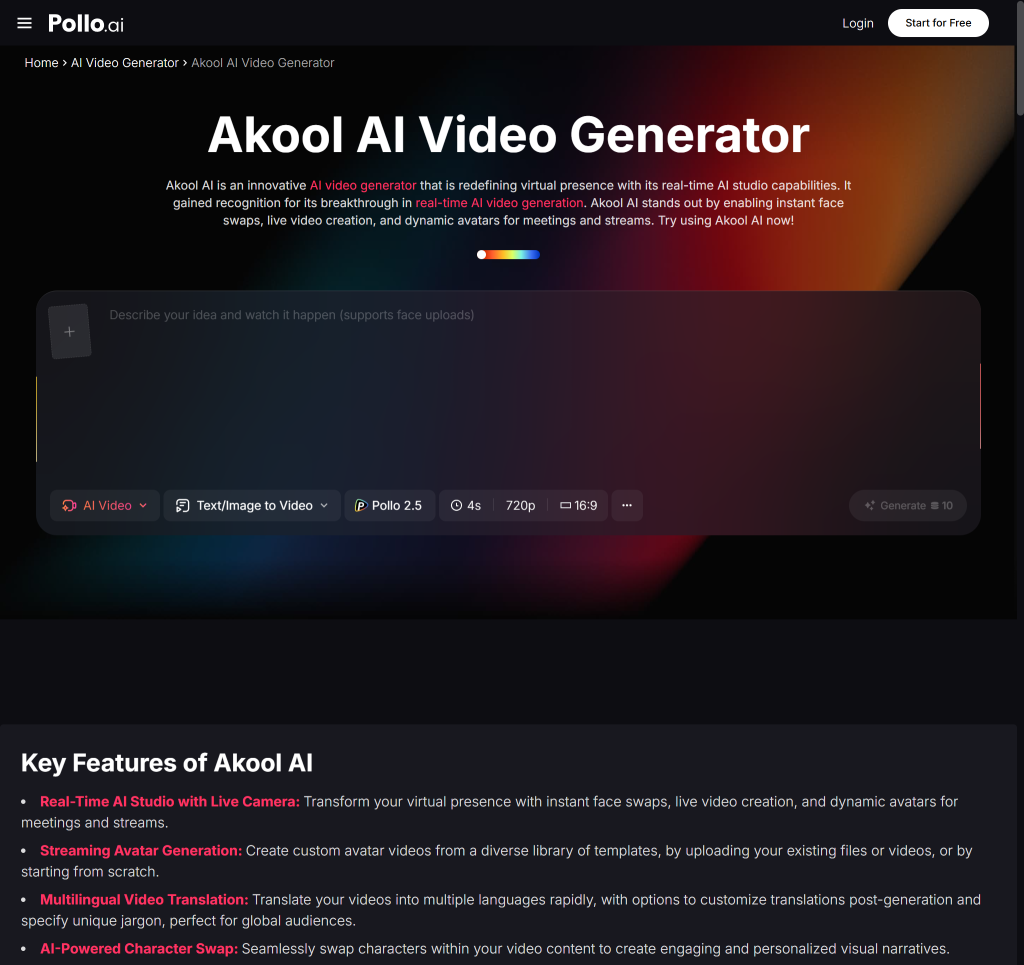
When content needs move toward avatar-led video, multilingual dubbing, or personalised video at scale, Akool AI is a platform that comes up frequently in the same category discussions. It’s described as a next-generation visual platform with capabilities around talking avatars, face swaps, and multilingual dubbing — a meaningfully different feature set from pure generative clip tools.
Pollo AI also draws comparisons in this space, offering AI video generation that teams can explore when evaluating options across the generation-to-avatar spectrum. The distinction worth making is between tools that generate from prompts and tools that build from structured scripts and predefined visual elements. Both are useful; they’re useful in different contexts.
For business teams producing training videos, personalised sales outreach, or multilingual marketing content, the avatar and dubbing capabilities that platforms like Akool offer tend to be more directly relevant than the cinematic generation strengths of Pika-style tools. The best evaluation process is to bring a real content brief — not a hypothetical — to a short trial of two or three tools and judge the outputs against what you actually need to publish.
How to Choose the Right Workflow for Your Content Mix
Match tools to campaign type. Brand awareness teasers, social trend content, and experimental visual campaigns tend to benefit from high-creative-range tools. Training content, explainer videos, and internal communications benefit from structural consistency and revision control.
Separate cinematic clips from explainer or avatar needs. These are different content types that should probably have different tool assignments, at least to start. Blending them into a single tool requirement makes the evaluation process harder and often leads to choosing a compromise that doesn’t serve either type well.
Build a small test process before committing. Pick one real piece of content you need to produce and run it through two or three platforms. The results from a real brief are more revealing than any feature comparison matrix. Look at output quality, editing flexibility, and how much time the post-generation cleanup actually took.
The goal isn’t to find the one tool that does everything. It’s to build a workflow stack where each tool earns its place by reliably delivering a specific output type at an acceptable quality level. For many teams, that stack includes a generative tool for concept work and a more structured platform for repeatable production — and the specific combination is something you discover through testing, not through spec sheets.